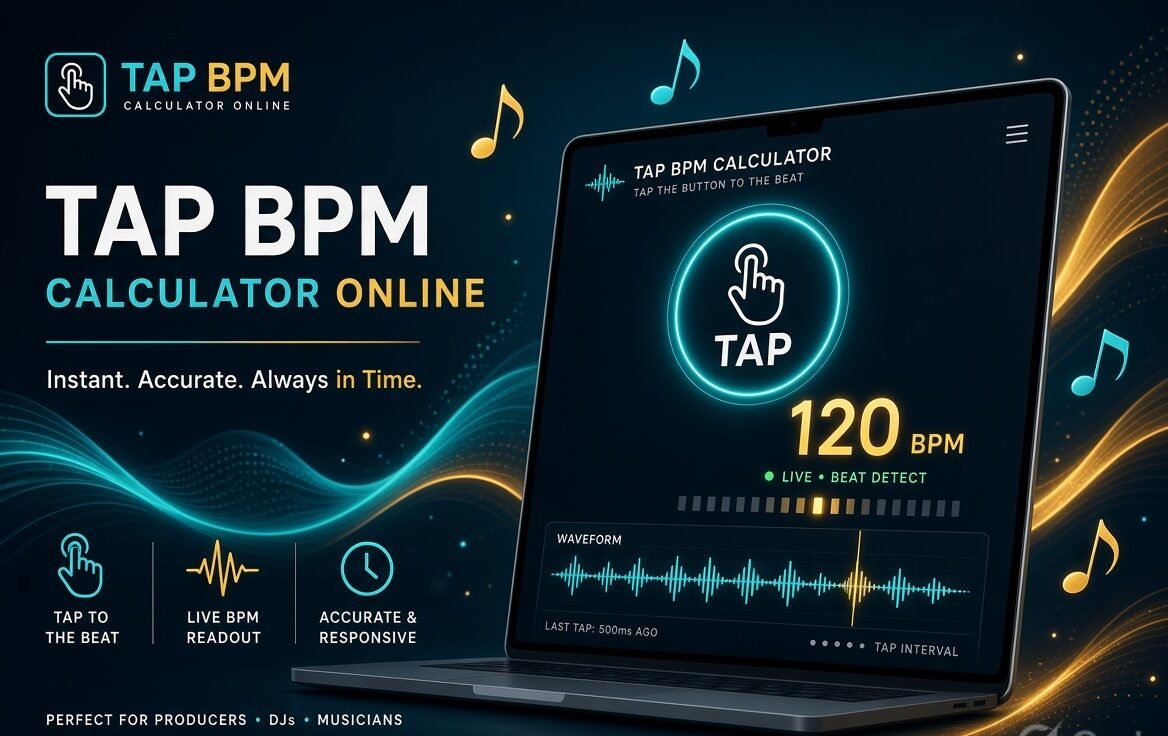
A Tap BPM Calculator (also called a Tap Tempo tool) lets you find the tempo of any song, beat, or idea simply by tapping along with the rhythm. No audio upload, no complex software — just click or tap in time and get an instant Beats Per Minute (BPM) reading.
These free online tools are essential for musicians, producers, DJs, dancers, and anyone who needs to quickly identify or match a tempo.
What Is a Tap BPM Calculator?
BPM (Beats Per Minute) measures how fast a piece of music is. A Tap BPM Calculator works by measuring the time interval between your taps and converting the average into BPM using the formula:
BPM = 60,000 ÷ average milliseconds between taps
The more consistently you tap, the more accurate the result becomes. Most tools use a rolling average of the last 4–8 taps to smooth out small timing variations.
Why Use an Online Tap Tempo Tool?
- Instantly find the tempo of any song playing in the background
- Set your DAW, metronome, or drum machine to the correct speed
- Match delay times, loops, or samples
- Practice or rehearse at the exact tempo of a reference track
- Works on any device (phone, tablet, or computer) with no download required
Best Free Online Tap BPM Calculators (2026)
Here are some of the most reliable and user-friendly options currently available:
| Tool | Key Features | Best For | Mobile Friendly |
|---|---|---|---|
| Chordly Tap Tempo | Rolling average, spacebar support, clean interface | Quick & accurate readings | Excellent |
| TuneTapper | Live BPM + average, stability tips, genre reference | Beginners & producers | Excellent |
| digrart BPM Tap | High precision (performance.now()), delay calculator, metronome | Advanced users & delay sync | Very good |
| MusVideo BPM Tapper | Live + average BPM, stability percentage, copy function | Stable readings | Excellent |
| AceStep Tap Tempo | Outlier filtering, confidence indicator, clipboard copy | Songwriters & precision | Excellent |
| TapTempoTools | Consistency rating, metronome, time signature options | Detailed feedback | Very good |
All of the above are free, require no signup, and run entirely in your browser.
How to Use a Tap BPM Calculator Accurately
- Play the song or beat you want to measure.
- Open one of the tools above.
- Tap the large button (or press the spacebar) once per beat — usually on the downbeats.
- Continue tapping steadily for at least 8–12 beats.
- Watch the BPM reading stabilize.
- If the number seems too high or low, try doubling or halving it (common with half-time or double-time feels).
- Use the Reset button if you make a mistake or want to start over.
Pro Tips for Better Accuracy:
- Tap on the strong beats (1 and 3 in 4/4 time) rather than every subdivision.
- Keep your tapping consistent — small variations average out over more taps.
- Use keyboard spacebar on desktop for more precise timing than mouse clicks.
- On mobile, tap with a steady finger rather than the whole hand.
- If the reading jumps around, reset and start again with a clearer pulse.
Common BPM Ranges by Genre
| Genre | Typical BPM Range |
|---|---|
| Ballads / Ambient | 60–90 |
| Hip-Hop / Boom Bap | 80–100 |
| Pop / Indie | 100–130 |
| House / Disco | 120–130 |
| Techno | 130–150 |
| Drum & Bass | 160–180 |
| Dubstep (half-time feel) | Often tapped as ~70–85 (actual 140–170) |
Extra Features Worth Looking For
Many modern online tools also include:
- Delay time calculator (useful for setting effect pedals or plugins)
- Built-in metronome that locks to your tapped BPM
- Stability or consistency percentage
- One-click copy of the BPM value
- Half / double BPM buttons for quick feel adjustments
Tap Tempo vs Automatic BPM Detection
- Tap Tempo: Fast, works with any audio source (even live or vinyl), no file needed. Accuracy depends on your tapping consistency.
- Automatic Detection: Upload a file and the tool analyzes it. Often more precise for complex or unclear rhythms, but requires a digital file and may struggle with ambient or free-time music.
Many producers use both methods and cross-check the results.
Final Thoughts
A good online Tap BPM Calculator is one of the simplest yet most useful free tools in any musician’s or producer’s workflow. Whether you’re setting up a practice session, matching a sample, programming drums, or DJing, being able to instantly capture a tempo by tapping saves time and removes guesswork.
Bookmark two or three of the tools listed above so you always have a reliable option available. With steady tapping and a few seconds of focus, you’ll get accurate BPM readings every time.
Tap in time, trust the average, and keep making music at the perfect tempo.